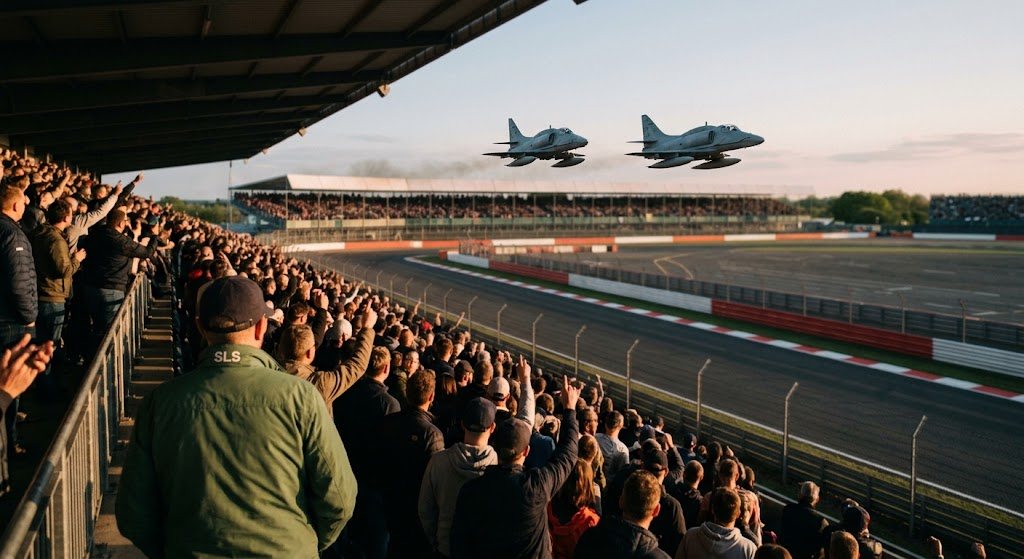
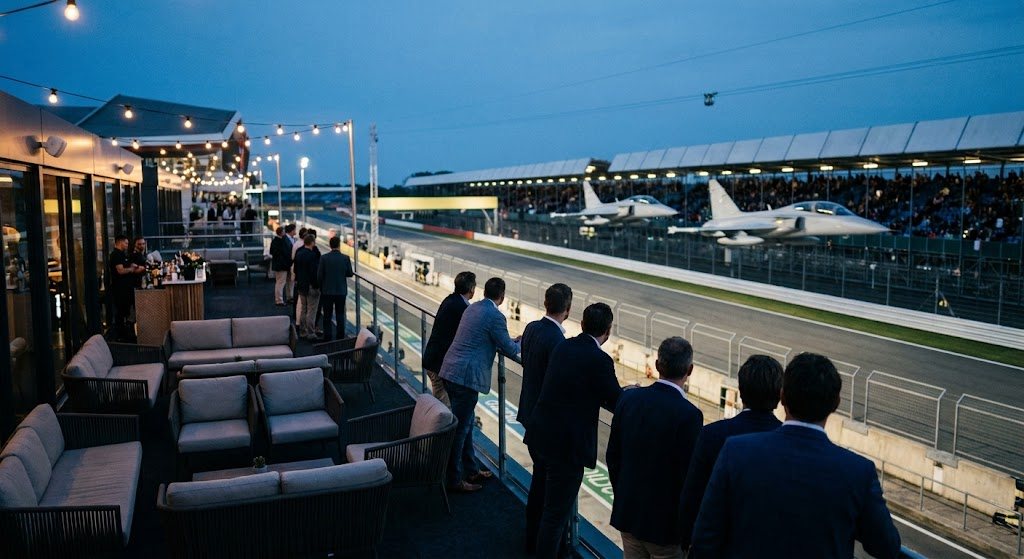
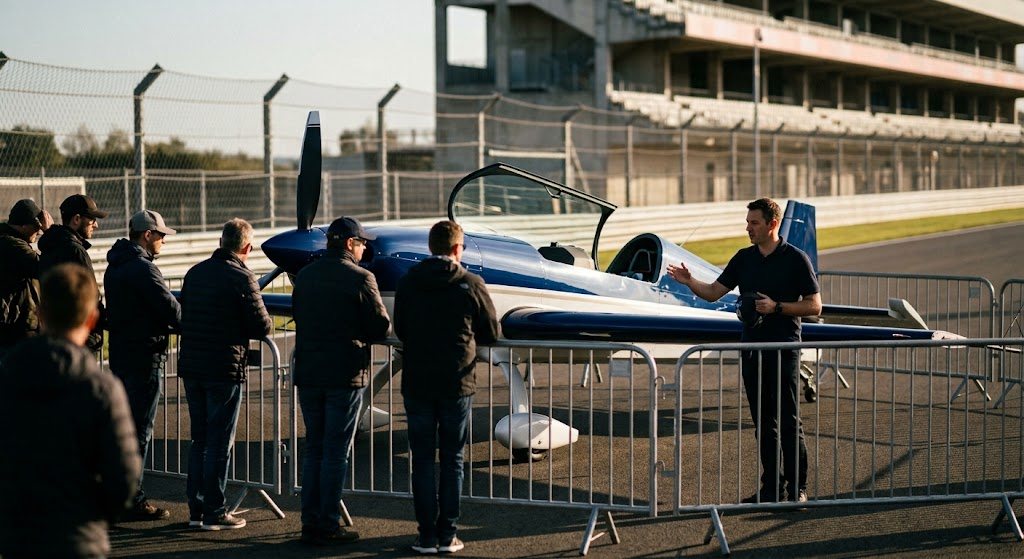
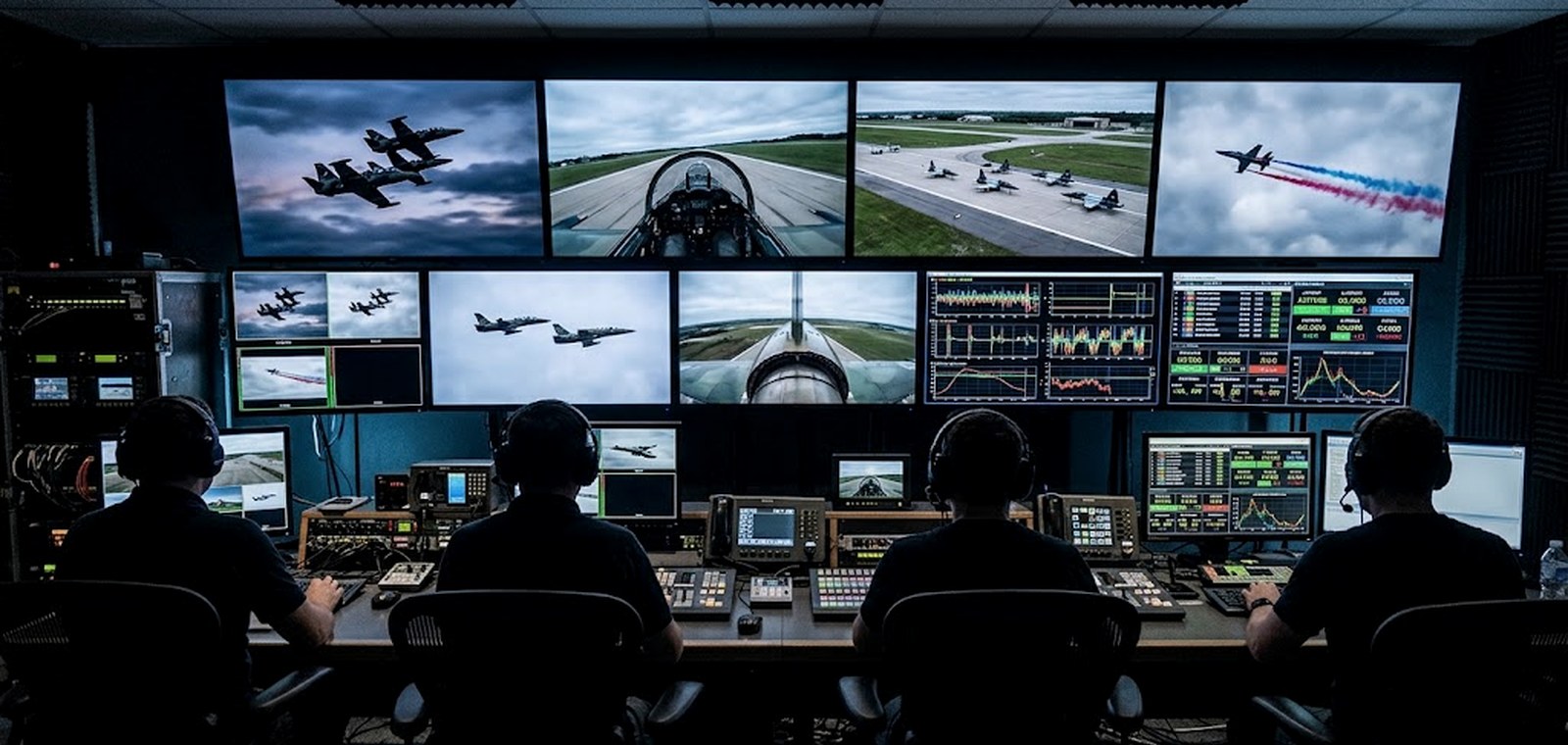
Elija un diseño, ponga cualquier señal en cualquier panel, siga la Competition Unit que le interese y fije la telemetría que realmente lee. En pantalla completa, los paneles ocupan toda la pantalla. Su disposición se recuerda.
Haga doble clic en un panel, o use Cambiar, para alternar la señal
Su diseño
Grid
Telemetry · up to four
Multi-view is part of the Pro plan. This is a working preview — see plans.
Dos atletas por unidad cambian lo que puede ser una transmisión
Por qué está hecho así
A second athlete to watch
Every Competition Unit has a pilot in the air and a gamer on the ground. The gamer’s screen is a legitimate main feed, not a curiosity — it is where the tactical decision happens.
Telemetry that means something
G-load, airspeed, energy state and lock status are the four numbers that explain what you are seeing. Pin them under the pane they belong to rather than in a separate app.
Follow one unit all session
Pick a car and every pane that can follow it does. Hero layout keeps the cockpit large with the gamer screen and the data beside it.
Telemetry values shown here are simulated so the widgets read as live. In production each pane binds to a signed playback URL and the data rail subscribes to the Combat System feed.