



JWC.tv・マルチビュー
自分だけの放送を構成
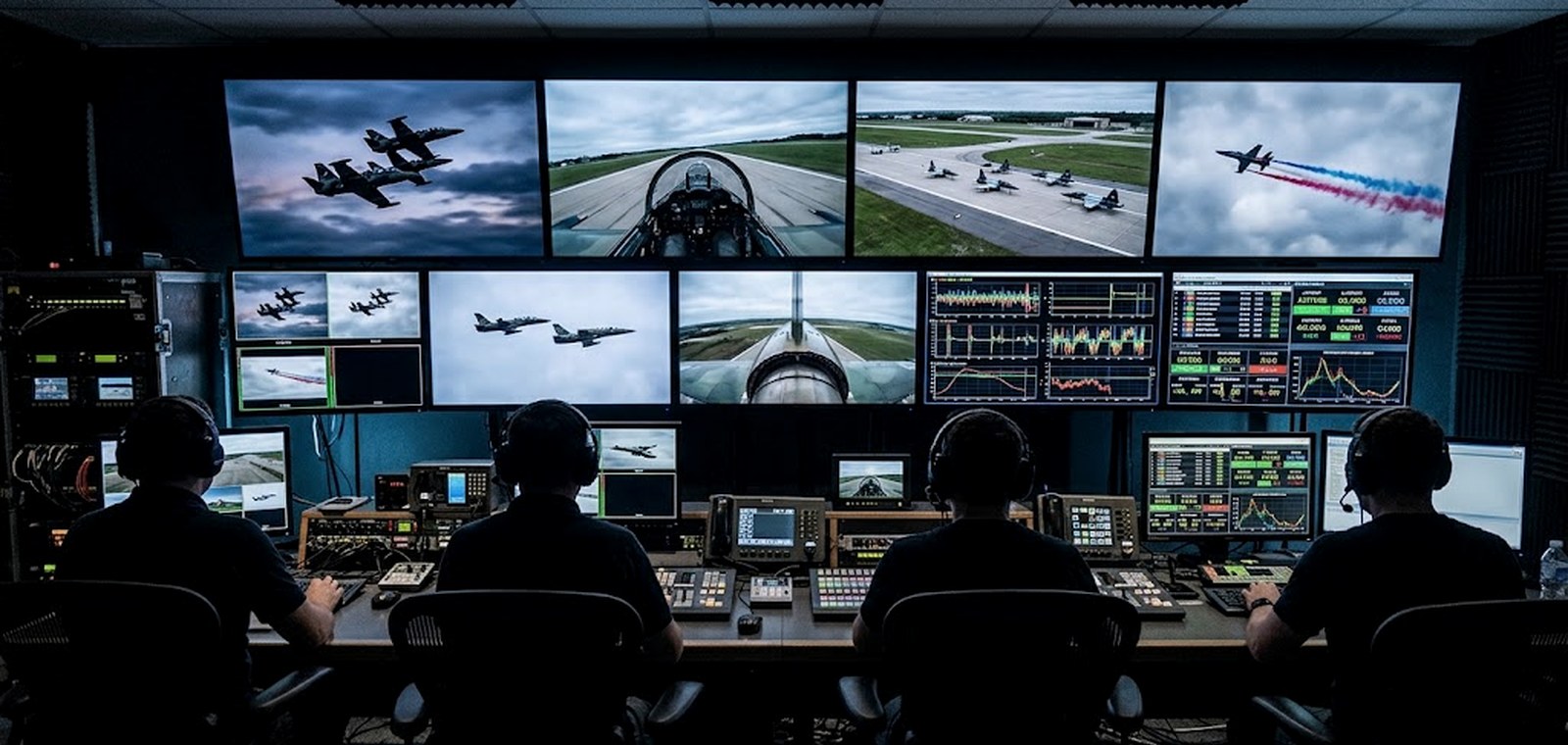
レイアウトを選び、任意のフィードを任意のペインへ。気になるユニットを追い、実際に読むテレメトリーをピン留め。フルスクリーンでペインが全画面に。配置は記憶される。
出発点にすぎず、すべて編集可能
プリセット
ペインをダブルクリックまたは「変更」でフィード切替
マイレイアウト
Multi-view is part of the Pro plan. This is a working preview — see plans.
1ユニット2選手が放送を変える
この設計の理由
A second athlete to watch
Every Competition Unit has a pilot in the air and a gamer on the ground. The gamer’s screen is a legitimate main feed, not a curiosity — it is where the tactical decision happens.
Telemetry that means something
G-load, airspeed, energy state and lock status are the four numbers that explain what you are seeing. Pin them under the pane they belong to rather than in a separate app.
Follow one unit all session
Pick a car and every pane that can follow it does. Hero layout keeps the cockpit large with the gamer screen and the data beside it.
Telemetry values shown here are simulated so the widgets read as live. In production each pane binds to a signed playback URL and the data rail subscribes to the Combat System feed.